Simplify your financial management – let us organize your books

How to Choose the Right Bookkeeping Software for Your Small Business

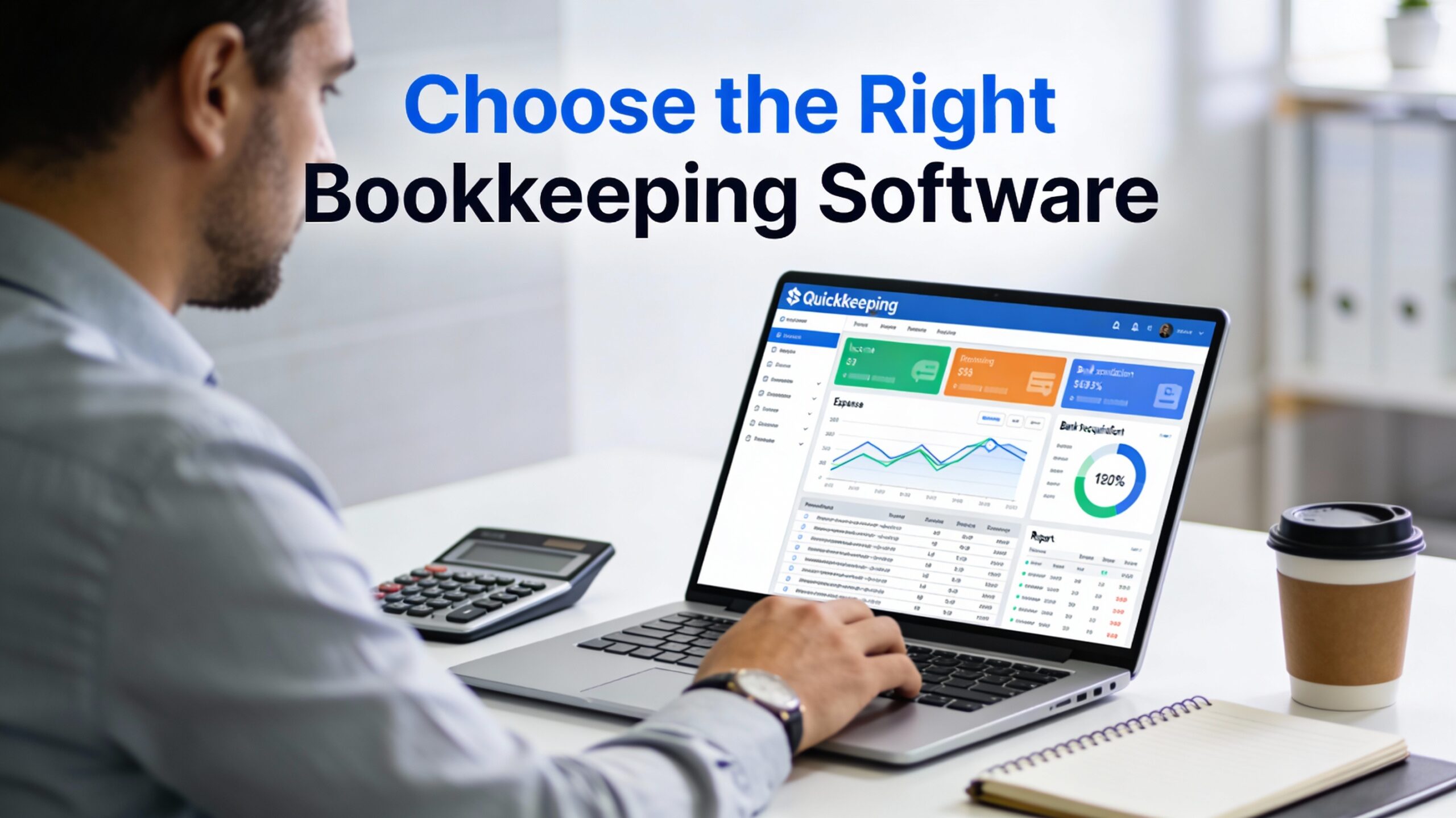
Running a small business involves wearing many hats. One moment you are the CEO, and the next you are the marketing director. However, the role that often causes the most stress is that of the financial manager. Keeping track of income, expenses, and taxes can be overwhelming. This is especially true if you rely on spreadsheets or shoeboxes of receipts. Therefore, finding a better solution is critical.
The right technology changes everything. It turns chaos into clarity. Yet, with so many options available in 2026, how do you decide? In this guide, we will explore how to choose the right bookkeeping software for your small business. We will look at key features, compare popular options, and explain why QuickBooks Online (QBO) often emerges as the top choice for Canadian entrepreneurs.
Why You Should Ditch the Spreadsheet
Many new business owners start with Excel or Google Sheets. It feels free and easy. However, manual entry is prone to human error. A single typo can throw off your entire year-end reporting. Furthermore, spreadsheets do not automate anything. They do not talk to your bank account, and they certainly do not help you file your GST/HST returns automatically.
Modern bookkeeping software automates these tedious tasks. It connects directly to your business bank account. Consequently, transactions appear in real-time. This saves you hours of data entry every month. Moreover, it ensures your financial data is accurate when tax season arrives.
Key Features to Look For
Before you subscribe to a service, you must know what you need. Every business is unique. However, most Canadian small businesses require a core set of features.
Cloud Accessibility
You need access to your numbers from anywhere. Cloud-based software allows you to log in from your phone, tablet, or laptop. This is standard in 2026. Therefore, avoid desktop-only versions that tie you to a single office chair.
Bank Feeds and Automation
This is non-negotiable. The software must import transactions from your bank and credit cards automatically. Additionally, look for “rules” features. These allow you to categorize recurring expenses automatically. For example, the software can instantly mark every transaction from “Petro-Canada” as “Fuel Expense.”
Invoicing and Payments
Getting paid is your priority. The right bookkeeping software lets you send professional invoices via email. Furthermore, it should allow clients to pay you online via credit card or bank transfer. This speeds up your cash flow significantly.
Tax Compliance (GST/HST)
For Canadian businesses, tax compliance is complex. You need software that tracks GST/HST on every sale and expense. It should also generate filing reports for the CRA. If the software is built primarily for the US market, you might struggle with Canadian tax nuances.
Scalability
Your business will grow. Consequently, your software needs to grow with you. Can it handle payroll later? Can it manage inventory if you start selling products? Switching software is painful. Therefore, it is better to choose a platform that scales from day one.
Comparing the Top Contenders
There are several strong players in the market. Let’s look at the most popular options available today.
FreshBooks: The Freelancer’s Friend
FreshBooks is famous for its ease of use. It is designed primarily for service-based businesses like consultants and creative freelancers. The invoicing features are beautiful.
Pros: Very user-friendly; great for sending bills.
Cons: The accounting features can be limited for complex businesses. It is sometimes less preferred by accountants who need robust double-entry reporting.
Xero: The Stylish Alternative
Xero is a strong competitor from New Zealand. It has a clean interface and handles inventory well. Many creative agencies love Xero.
Pros: unlimited users on all plans; strong inventory management.
Cons: The learning curve can be steeper than others. Additionally, it can be harder to find local bookkeepers who specialize in it compared to QBO.
Wave: The Free Option
Wave attracts many startups because its base features are free. It handles basic invoicing and accounting well.
Pros: No monthly subscription fee for basic use.
Cons: Support is limited. Furthermore, as you grow, you might find features like payroll or advanced reporting lacking. Migration out of Wave can be difficult later.
QuickBooks Online (QBO): The Industry Standard
QuickBooks Online is the giant in the room for a reason. It combines ease of use with deep accounting power.
Pros: Massive ecosystem of apps; preferred by most Canadian accountants; excellent tax handling.
Cons: The price is higher than Wave, but the value provided is substantial.
Why QuickBooks Online Often Wins
At Nova Ledgers, we believe in using the best tool for the job. For the vast majority of small businesses, that tool is QuickBooks Online. Here is why we often recommend it over the others.
The Ecosystem Advantage
QBO connects with everything. Do you use Shopify for sales? It integrates. Do you use Dext for receipt capture? It syncs perfectly. There are thousands of apps that plug into QBO. This allows you to build a custom system that fits your exact needs.
Your Accountant Loves It
This is a practical reality. Most bookkeeping professionals and CPA firms in Canada use QuickBooks. If you choose a niche software, you might struggle to find a pro to help you at year-end. With QBO, finding support is easy. This saves you money on professional fees because your accountant spends less time fixing data.
Superior Tax Features
QBO handles GST/HST exceptionally well. It tracks what you collect and what you pay. When it is time to file, the return is practically ready for you. This peace of mind is worth the subscription price alone.
Scalability and Growth
You can start with the “Simple Start” plan. As you hire employees, you can upgrade to handle payroll. If you need advanced insights, you can move to “Advanced.” You never have to migrate your data to a new system. You simply upgrade your plan.
How to Make Your Final Decision
Still unsure? Use this simple checklist to decide.
- Consult your Bookkeeper: Ask them what they prefer. Since they work in the software daily, their opinion matters.
- Test the Mobile App: Download the mobile apps for Xero and QBO. See which one feels more intuitive to you.
- Check Integrations: Make sure the software connects to the other tools you use, like your CRM or point-of-sale system.
- Consider the Future: Will this software still work for you when your revenue doubles?
Conclusion
Choosing the right bookkeeping software is a foundational decision. It affects your daily workflow and your long-term success. While options like FreshBooks and Xero have their merits, QuickBooks Online offers the best balance of power, ease, and support for most Canadian small businesses.
Don’t let financial chaos hold you back. By selecting a robust platform like QBO, you gain clarity and control. You can stop worrying about the numbers and start focusing on growing your business.
Ready to streamline your books?
If you need help setting up QuickBooks Online or migrating from spreadsheets, Nova Ledgers is here to help. Contact us today to get your finances in order.